Poor Audio Quality with Bluetooth Headsets
Why your Bluetooth headset audio sounds muffled or low-quality when a microphone is active, and how to fix it.
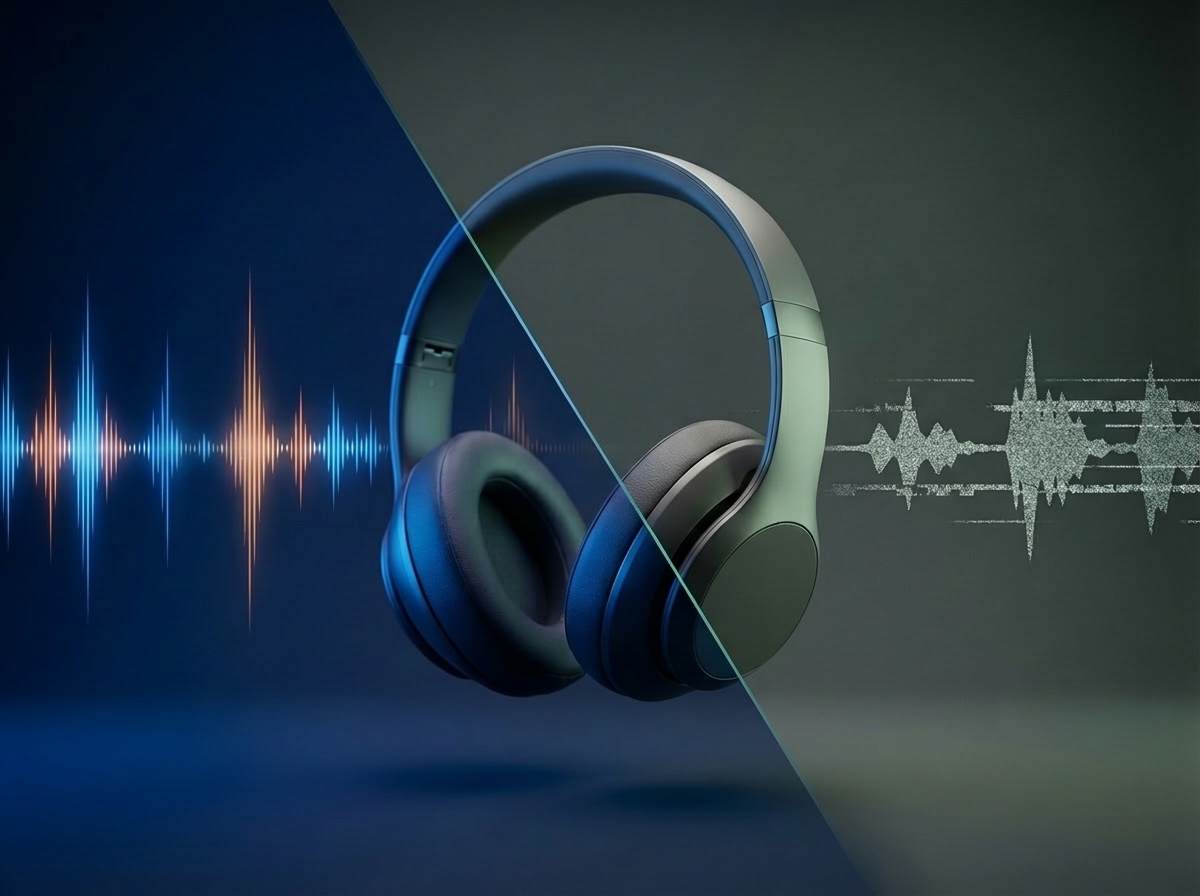
If your Bluetooth headset audio sounds noticeably worse during a cloud gaming session — muffled, low-quality, or resembling a phone call — the cause is almost certainly an automatic Bluetooth profile switch triggered by microphone activity.
Why This Happens
Bluetooth headsets use different profiles depending on what they are doing:
A2DP (Advanced Audio Distribution Profile): The high-quality stereo audio mode. This is what your headset uses when listening to music or game audio with no active microphone. It delivers rich, full-quality sound at high bitrates (320–990 kbps), but it only supports one-way audio — from your device to your ears.
HFP (Hands-Free Profile): The bidirectional “phone call” mode. When any app requests microphone access, iOS automatically switches the headset from A2DP to HFP so that audio can travel in both directions simultaneously. HFP uses a significantly lower bitrate codec, reducing both playback and microphone quality to roughly phone-call level.
This switch happens at the system level — it is not specific to CloudGear. Any app that activates the microphone will trigger it.
How to Fix It
The goal is to keep your Bluetooth headset in A2DP mode (for high-quality audio output) while routing microphone input through a different source.
Option 1: Switch to Your iPhone or iPad’s Built-In Microphone
iOS lets you change the active microphone input directly from Control Center, without opening any app settings:
- Open Control Center (swipe down from the top-right corner of your screen).
- Tap the CloudGear button at the top of Control Center.
- Tap Audio Input, then select your preferred input device.
Your Bluetooth headset will remain in A2DP mode for audio playback, while the built-in microphone handles voice input. For full details, see Apple’s guide to changing sound recording options.
Option 2: Use a Separate External Microphone
HFP is only triggered when the same Bluetooth device is handling both audio output and microphone input. If you use a separate microphone — such as a wired headset, a standalone USB or Lightning mic, or a different Bluetooth device dedicated to input only — your headset will stay in A2DP mode regardless.